> ## Documentation Index
> Fetch the complete documentation index at: https://bun-1dd33a4e-farm-ad2450b3-transpiler-cache-version-namespa.mintlify.site/llms.txt
> Use this file to discover all available pages before exploring further.
# Debugging Bun with the web debugger
Bun speaks the [WebKit Inspector Protocol](https://github.com/oven-sh/bun/blob/main/packages/bun-inspector-protocol/src/protocol/jsc/index.d.ts). To enable debugging when running code with Bun, use the `--inspect` flag. Consider the following web server.
```ts server.ts icon="https://mintcdn.com/bun-1dd33a4e-farm-ad2450b3-transpiler-cache-version-namespa/pVrMBuZvntvIe2NO/icons/typescript.svg?fit=max&auto=format&n=pVrMBuZvntvIe2NO&q=85&s=81fcaf3ac2cead5d758f3588a492f46a" theme={"theme":{"light":"github-light","dark":"dracula"}}
Bun.serve({
fetch(req) {
console.log(req.url);
return new Response("Hello, world!");
},
});
```
***
Run the file with the `--inspect` flag.
This starts a WebSocket server on an available port. Debugging tools connect to this server to introspect the running Bun process.
Bun hosts a web-based debugger at [debug.bun.sh](https://debug.bun.sh). It is a modified version of WebKit's [Web Inspector Interface](https://webkit.org/web-inspector/web-inspector-interface/), which will look familiar to Safari users.
```sh terminal icon="terminal" theme={"theme":{"light":"github-light","dark":"dracula"}}
bun --inspect server.ts
```
```txt theme={"theme":{"light":"github-light","dark":"dracula"}}
------------------ Bun Inspector ------------------
Listening at:
ws://localhost:6499/0tqxs9exrgrm
Inspect in browser:
https://debug.bun.sh/#localhost:6499/0tqxs9exrgrm
------------------ Bun Inspector ------------------
```
***
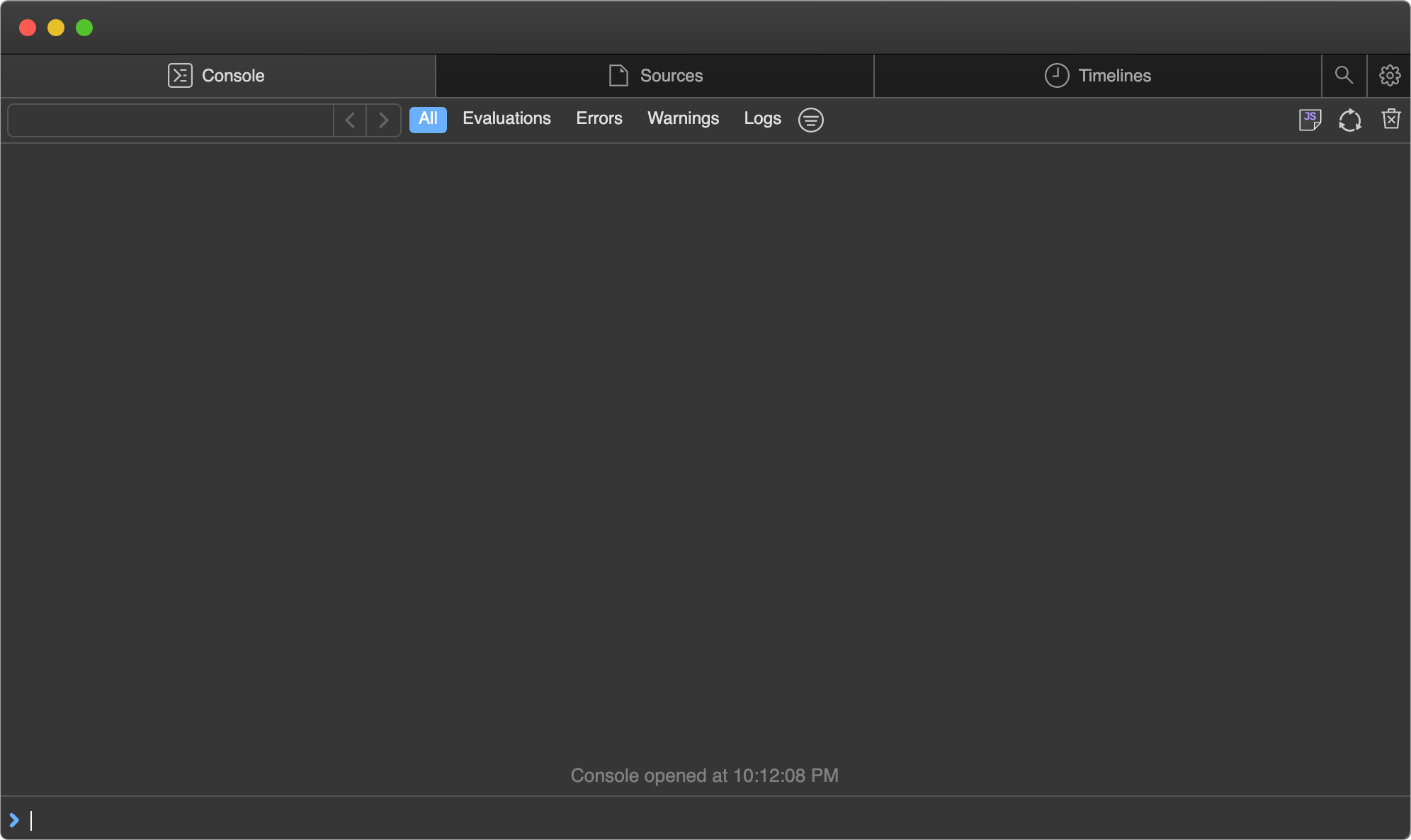
Open the provided `debug.bun.sh` URL in your browser to start a debugging session. From this interface, you can view the source code of the running file, view and set breakpoints, and execute code with the built-in console.
***
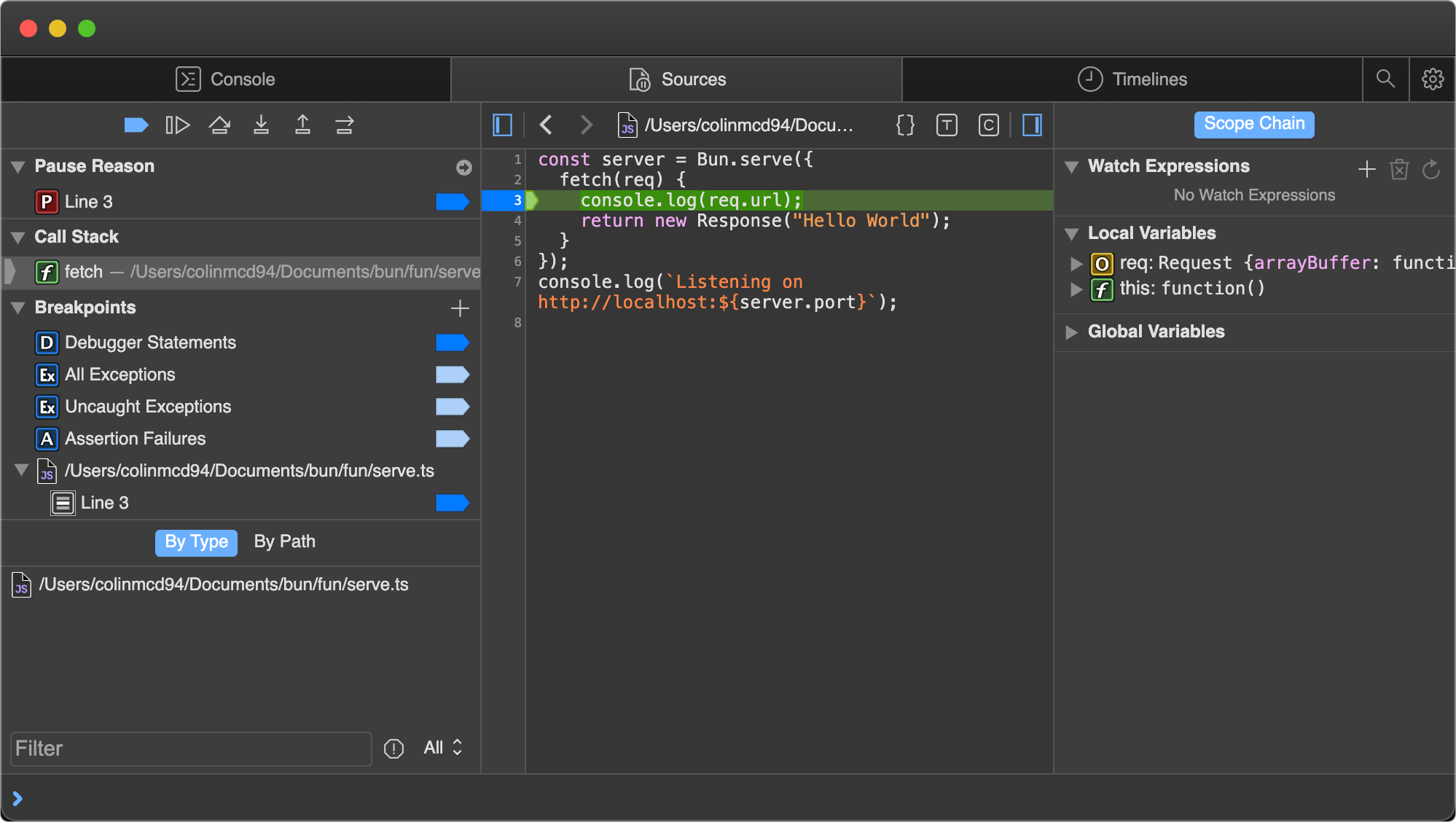
Next, set a breakpoint. Open the Sources tab, which shows the code from earlier, and click line number `3` to set a breakpoint on the `console.log(req.url)` statement.

***
Then visit [`http://localhost:3000`](http://localhost:3000) in your browser to send an HTTP request to the server. The page hangs because the program is paused at the breakpoint you set.
Note how the UI has changed.
***
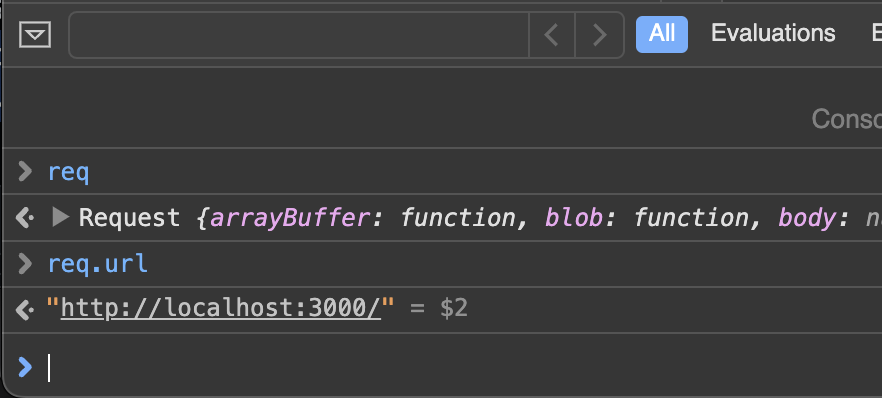
Use the console at the bottom to run arbitrary code in the context of the program, with full access to the variables in scope at the breakpoint.
***
The right side of the Sources pane lists the local variables in scope; drill down to see their properties and methods. The screenshot shows the `req` variable.

***
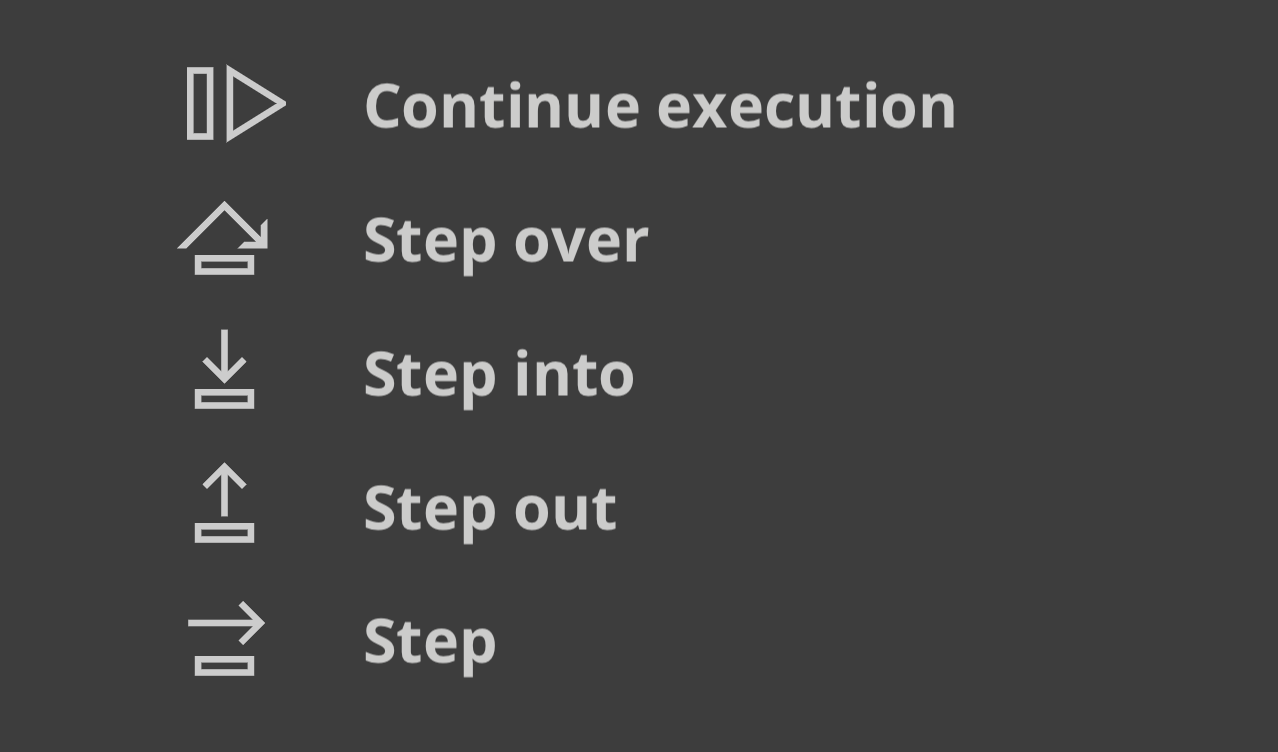
The buttons in the upper left of the Sources pane control the program's execution.

***
Here's what each control flow button does.
* *Continue script execution* — runs the program until the next breakpoint or exception.
* *Step over* — continues to the next line.
* *Step into* — if the current statement contains a function call, steps into the called function.
* *Step out* — if the current statement is a function call, finishes executing it, then steps out of the function to the location where it was called.